Why ICP-first beats volume every time in cold outbound
Read

To build an ICP in Clay: (1) write your criteria from your best customers (firmographics, signals, negative filters), (2) seed a Clay table, (3) enrich each account, (4) score every row against the criteria with a formula or AI column, and (5) filter to the matches and route them to outreach. The result is an ICP that runs as an automated filter, not a static doc.
Most teams "have an ICP" in the sense that it lives in a slide nobody opens. The point of building it in Clay is to turn that description into something operational: a filter that scores real accounts and feeds your outreach automatically. Here's how to do it, the same way we set up GTM engineering workflows for clients.
Start from your best existing customers and work backwards. What do the ones who buy and stay have in common? Capture three kinds of criteria:
Write them as explicit, checkable rules, not adjectives. This is the foundation behind why ICP-first beats volume.
Create a Clay table and seed it with accounts, either imported from a list of your best customers (to validate your criteria) or pulled from a source to start prospecting. This gives you rows to enrich and score.
Add enrichment columns for every data point your criteria need, company size, industry, technologies, signals, and the contacts at each account. Pull from multiple providers where coverage matters; chaining them in a waterfall is how you avoid gaps from any single source.
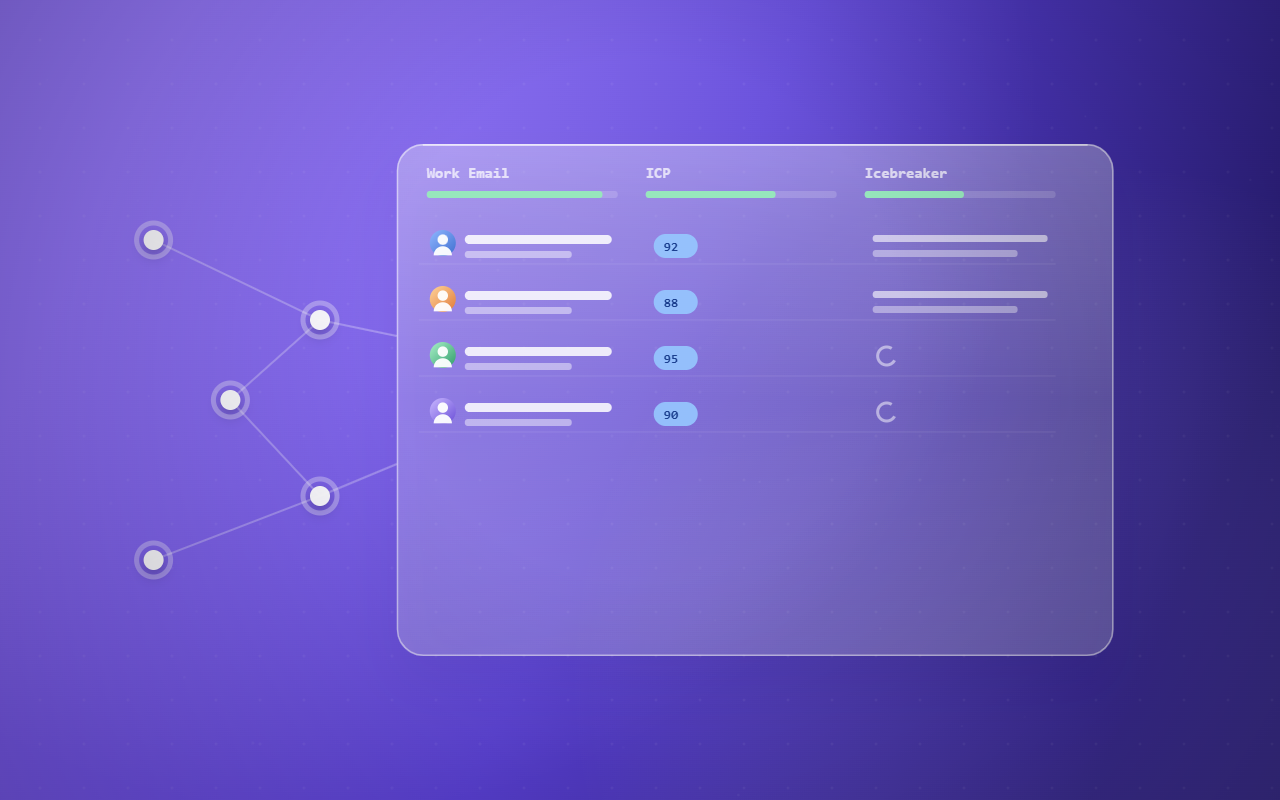
This is the step that turns a list into an ICP. Use a formula column (weighting each criterion) or an AI column (judging fit from the enriched data) to give every account a single fit score. Now your table isn't just data, it's a ranked view of who matches.
A document says "we sell to mid-market fintech." A Clay table says "this specific account scores 92% and just raised a Series B."
Filter to accounts above your score threshold and push them to your sequencer or CRM. Now the ICP runs continuously: new accounts get enriched, scored, and routed without you rebuilding anything. That's the difference between an ICP you wrote and one that actually works.
The honest take: the value isn't the ICP document, it's the scoring. Once Clay scores accounts against your criteria, targeting stops being an opinion and becomes a filter.
Build it this way and your ICP stops being a slide and becomes the engine that decides who you contact. Define the criteria, seed, enrich, score, filter, and the right accounts surface themselves, which is the whole point of doing it in Clay.
Want your ICP built and run in Clay for you? Book a 30-minute call or see the Clay lead generation service.